


How to Protect Your Phone, Accounts, and Location Data From Unauthorised Tracking
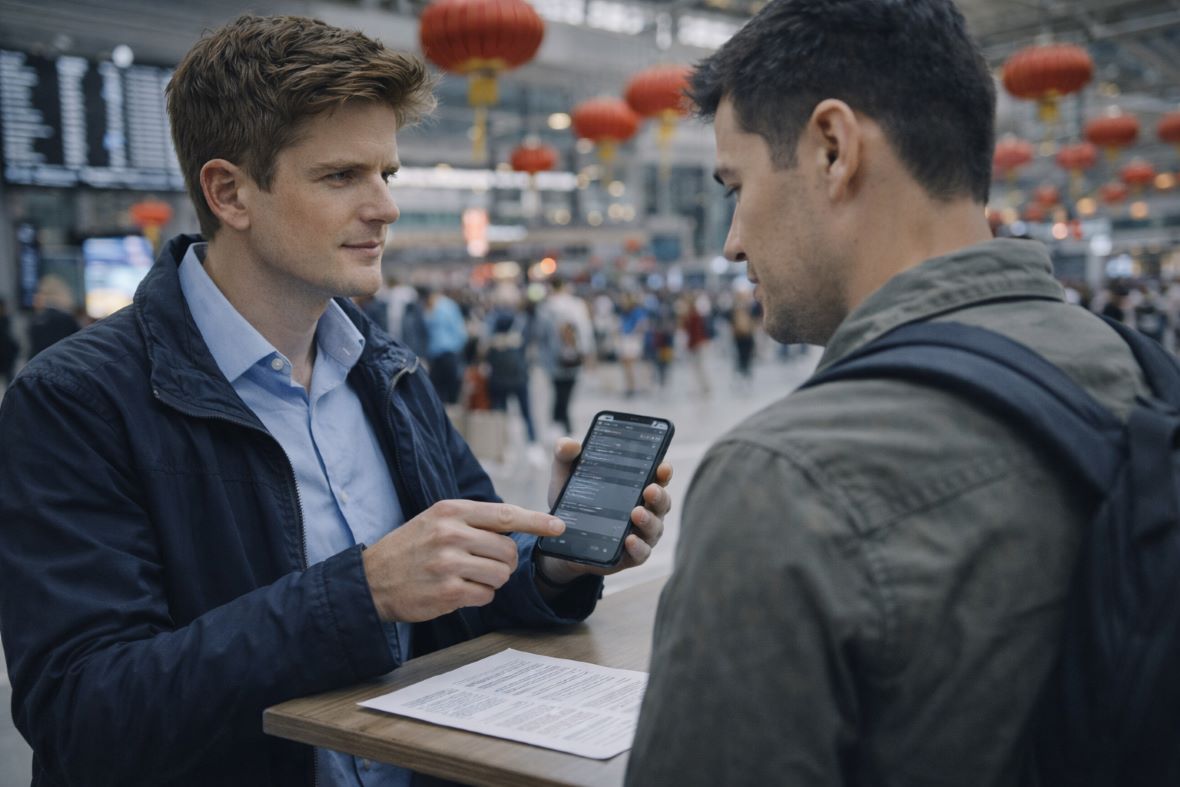
The 2026 Chinese New Year "Great Migration" is set to be one of the largest travel events in recent history. As we enter the Year of the Horse, millions of people will flood into airports, train stations, and bustling city streets to reunite with family. This massive surge of movement creates a perfect environment for digital pickpockets who thrive in heavy crowds. While you focus on red envelopes and festive dinners, hackers and data thieves are looking for easy targets among the sea of travellers.
Protecting your digital footprint is just as important as keeping an eye on your physical wallet at a crowded station. Your smartphone holds your identity, your bank accounts, and your real-time location. In the rush of the holiday season, it’s easy to become lax about security, but a few simple steps can keep your information private. Whether you’re concerned about a random hacker or the more targeted eyes of a Private Investigator in Melbourne, staying invisible is the best way to enjoy your holiday.
Locking Down Your Digital Life Before the Holiday Starts
Security starts at home, well before you reach the airport terminal. Think of your smartphone as a digital vault that needs multiple layers of armour. The first and simplest layer is your passcode. Many people still use a basic 4-digit code, which is statistically much easier to crack through "shoulder surfing" in a busy line. Switching to a 6-digit passcode or a complex alphanumeric password significantly increases the time it would take for someone to break into your device if it's lost or stolen.
Software updates are your second line of defence. Hackers often exploit "holes" or vulnerabilities in older versions of mobile operating systems. Manufacturers release patches specifically to close these gaps. By ensuring your phone is running the latest software, you're essentially building a digital shield that deflects known exploits. These updates also often include improved privacy settings that give you more control over how your data is shared with third parties.
Preparation also involves making sure you can handle the worst-case scenario. Back up your photos, contacts, and sensitive documents to a secure cloud service before you leave. This ensures that even if your physical device goes missing during the holiday rush, your memories and essential data remain safe. When you're prepared, you can travel with the confidence that a single lost device won't result in a total loss of your digital life.
Shielding Your Accounts with Two-Factor Authentication
Passwords alone are no longer enough to keep your money and identity safe. Two-factor authentication (2FA) adds a vital second step to the login process. However, you should avoid using SMS-based codes for this. Skilled hackers can sometimes intercept text messages through "SIM swapping" or other technical tricks. Instead, use dedicated authentication apps like Google Authenticator or Microsoft Authenticator.
These apps generate a new code every 30 seconds directly on your device. This means even if a thief steals your password at a crowded train station, they still can't access your bank or social media accounts without that physical device. It is a small hurdle for you, but an almost impossible wall for most digital criminals to climb.
Cleaning Up App Permissions and Location Sharing
Many apps on your phone have permission to track your location even when you aren’t using them. Before heading out for the Year of the Horse celebrations, take a moment to review and adjust these settings. Change the location access from "Always On" to "While Using" for all apps except essential navigation ones. This will help prevent companies from creating a detailed map of your holiday movements and selling that data to advertisers or trackers.
Additionally, consider turning off the "Find My" sharing feature for friends and family until you actually need it. While this feature is useful for meeting up at a festival, leaving it on indefinitely makes you visible to anyone who might gain access to a friend’s account. By keeping your location private by default, you ensure that your movements remain between you and the people you trust.
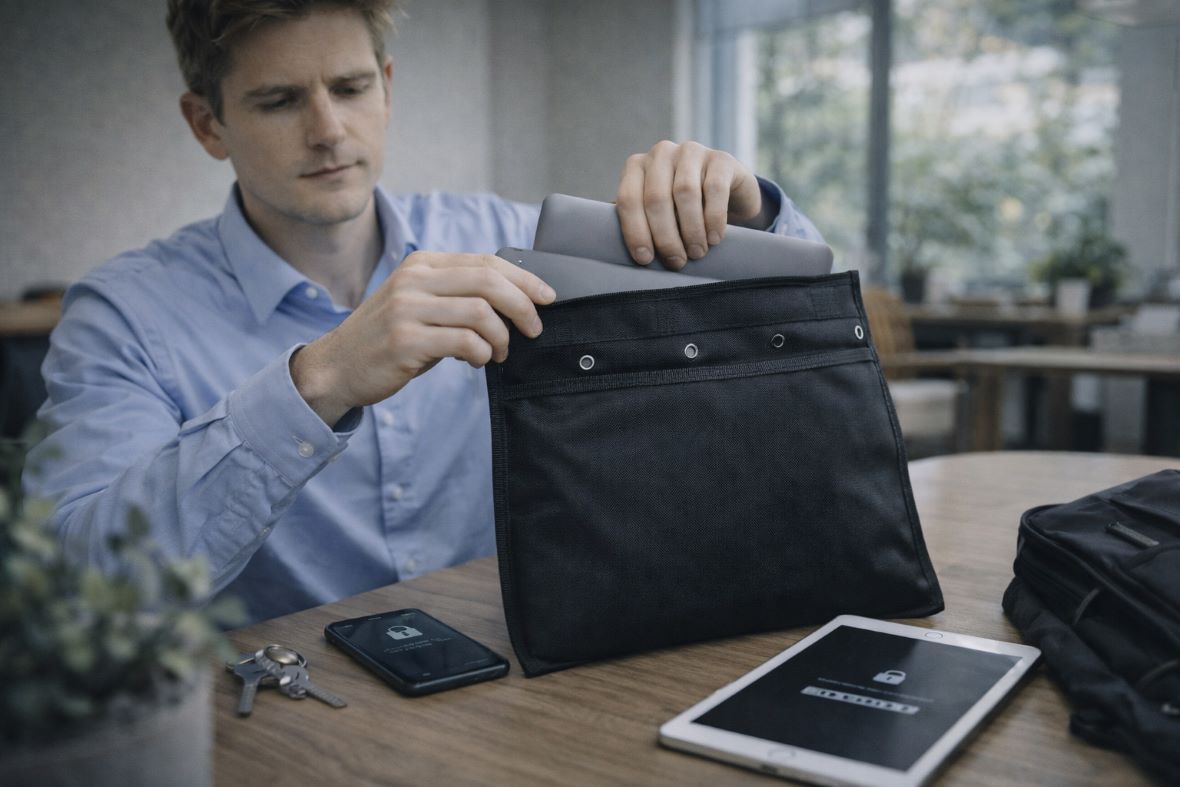
If you want further protection against signals, consider investing in Faraday bags, which help block signal waves from reaching your devices.
Staying Invisible to Trackers While You Are on the Move
Once you're on the move, the risks shift from hypothetical to physical. Physical trackers, like AirTags or similar Bluetooth devices, are becoming common tools for unauthorised monitoring. A person might slip one into an outer pocket of your luggage or a laptop bag to follow you to your hotel.
Be mindful of your surroundings and check your bags periodically for any unfamiliar objects. If you receive an alert on your phone about an unknown tracker moving with you, take it seriously. Additionally, using Faraday bags can provide an extra layer of protection for your devices, effectively blocking signals and preventing tracking. These bags can help ensure that your personal items remain secure and private during your travels.
Digital tracking is equally pervasive in travel hubs. When you are visiting unfamiliar cities, the temptation to use free services is high. However, staying safe requires a few tips to protect your online privacy and ensure your data stays your own. Being aware of how your device connects to the world around it is the key to remaining invisible to unwanted eyes while you navigate the crowds.
Avoiding the Dangers of Public Wi-Fi and USB Ports
Public Wi-Fi networks at airports and cafes are notorious hunting grounds for hackers. They often set up "evil twin" networks with names like "Free Airport Wi-Fi" to trick you into connecting. Once you're on, they can see every unencrypted bit of data you send. If you must use public Wi-Fi, always use a Virtual Private Network (VPN). A VPN creates a "private tunnel" for your data, making it impossible for someone on the same network to see your bank passwords or personal messages.
Beware of "Juice Jacking" at public charging stations. These USB ports can be modified to install malware or steal data while your phone is charging. To stay safe, always use your own wall plug and a standard power outlet. If you can’t find an outlet, a portable power bank is a much safer way to keep your battery full during a long day of sightseeing.
Spotting QR Code and Booking Scams in the Crowds
QR codes are everywhere during the Chinese New Year, from restaurant menus to payment portals. Scammers sometimes paste their own fake stickers over legitimate QR codes. When you scan them, you might be redirected to a phishing site that asks for your payment details or installs a malicious profile on your phone. Always check the sticker to see if it has been tampered with.
If you are paying via an app like Alipay or WeChat Pay, verify the recipient's name with the vendor before you hit send. Scammers also love to send "too good to be true" travel deals via WhatsApp or SMS during the holiday rush. If a deal for a luxury hotel or a discounted flight seems suspicious, it probably is. Always book through official apps or websites to avoid having your credentials stolen by a fake booking engine.
What to Do if You Think You are Being Followed
Sometimes, the feeling of being watched isn't just travel jitters. If you suspect you're being followed by a Private Investigator in Australia or another third party, your priority is to confirm your suspicion without escalating the situation. Use the "double back" method in a large shopping mall; walk toward an exit, then suddenly turn into a store or change floors. If the same person appears behind you again, you likely have a tail.
Changing your routine is a powerful way to shake off trackers. Don't take the same path back to your hotel every night. If you feel unsafe, head toward a well-lit, public area with security, such as a police station or a hotel lobby. Inform the staff or local authorities about your concerns. Remember that while public spaces allow general observation, your private areas, such as hotel rooms, should remain off-limits to unauthorised tracking.
Conclusion

The 2026 Chinese New Year promises to be a vibrant and memorable celebration. By taking the time to update your phone, secure your accounts with 2FA, and remain vigilant in public spaces, you can ensure that your personal data stays private. Remember to treat your digital security with the same care you give to your physical safety. Staying alert to your surroundings and using tools like a VPN will protect you from both random scammers and targeted tracking. We wish you a safe, secure, and prosperous Year of the Horse as you journey to meet your loved ones.
Common Questions About Holiday Travel Security
Is it safe to use hotel Wi-Fi for banking?
It is generally safer than an open airport network, but still carries risks. Always use a VPN when accessing financial accounts. If you don't have a VPN, use your phone's cellular data (hotspot) instead, as it is much harder for a local attacker to intercept.
How do I know if someone put a tracker on my bag?
Both iPhone and Android devices now send alerts if an unrecognised Bluetooth tracker is moving with you over a certain distance. Additionally, make it a habit to check the side pockets and linings of your bags every evening when you return to your room.
What should I do if my phone is stolen during the holiday?
Immediately use another device to log into your "Find My" account and remotely wipe the phone. This deletes all your data, so the thief can't access your accounts. After that, contact your bank to freeze any mobile payment cards linked to the device.
